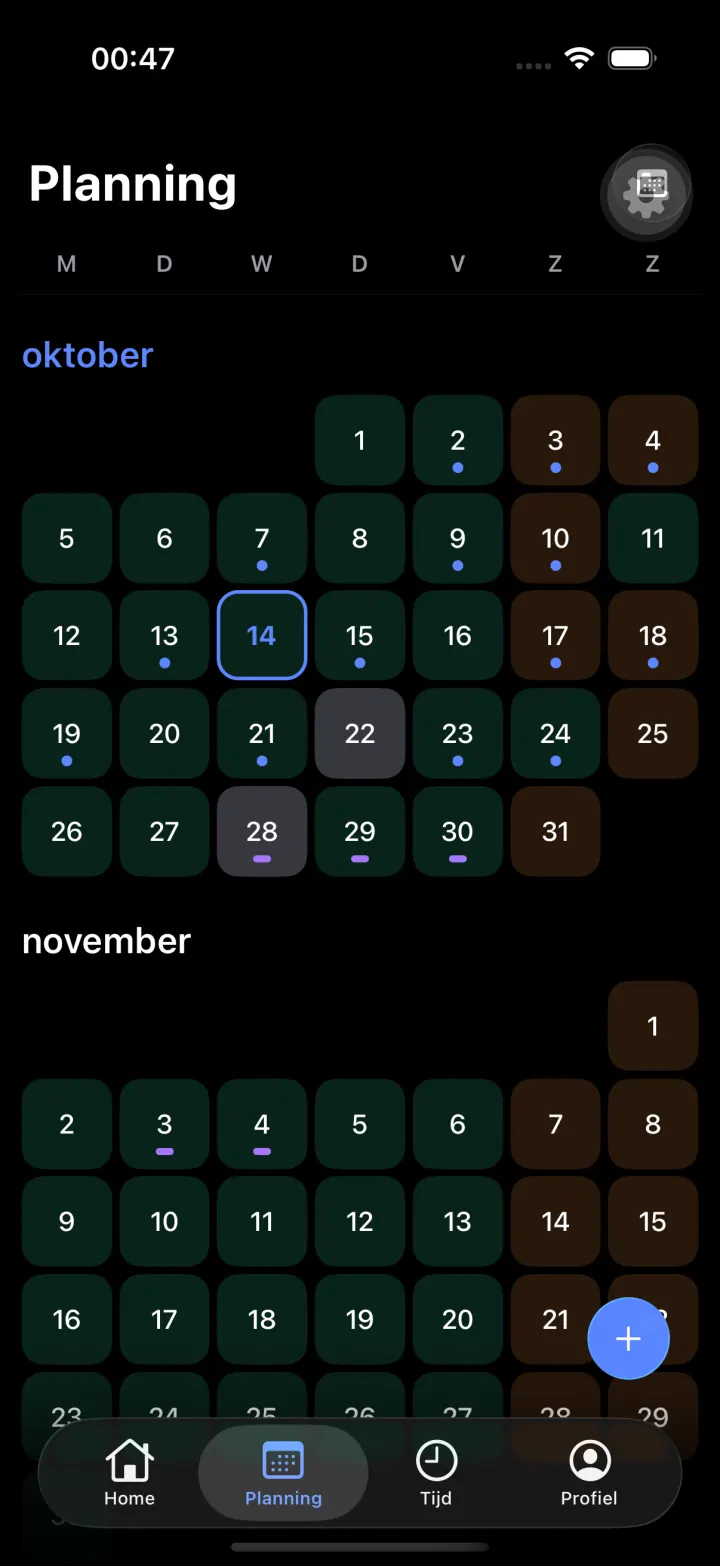
Your working day in the mobile app
What do you want to do?
- Clock in and outScan the kiosk QR code or sign in with your PIN.
- Request time offAsk for leave and follow up on it.
- Swap or give away a shiftCan’t work? Swap, offer it or ask for a change.
- Pick up an open shiftSign up for extra shifts.
- Share when you can workAvailable, standby or a day off.
- Review and sign a contractIn the app or on the kiosk at work.
- Get access and check your profileSign in to the app and keep your details up to date.
- I can’t sign inSign-in codes, invitations and missing access.
Where to find things in the app
Section titled “Where to find things in the app”The employee view has four tabs. What you see depends on your employer’s access and settings.
- Home
Your next shift, outstanding tasks and the follow-up of your requests.
- Planning
Your schedule. Open a day or shift for details. The actions menu adds availability, leave requests and open shifts. Open a shift to ask for a change or swap.
- Time
Your worked time and clocking options.
- Profile
Your contracts, personal information and preferences.