Get started as an employee
Your employer has added you to Vesta. These steps get you ready for your first shift.
0 of 8 done
Your progress stays on this device.
Step 1 of 8
Open your invitation
Your employer sends an invitation by email, or by WhatsApp if you agreed to it. Open the link to activate your account.
- Use the newest invitation if you got more than one.
- No invitation? Ask your employer to send it again.
Step 2 of 8
Install the Vesta app
Download Vesta from the App Store or Google Play. Sign in with the email address your invitation was sent to.
Step 3 of 8
Complete your profile
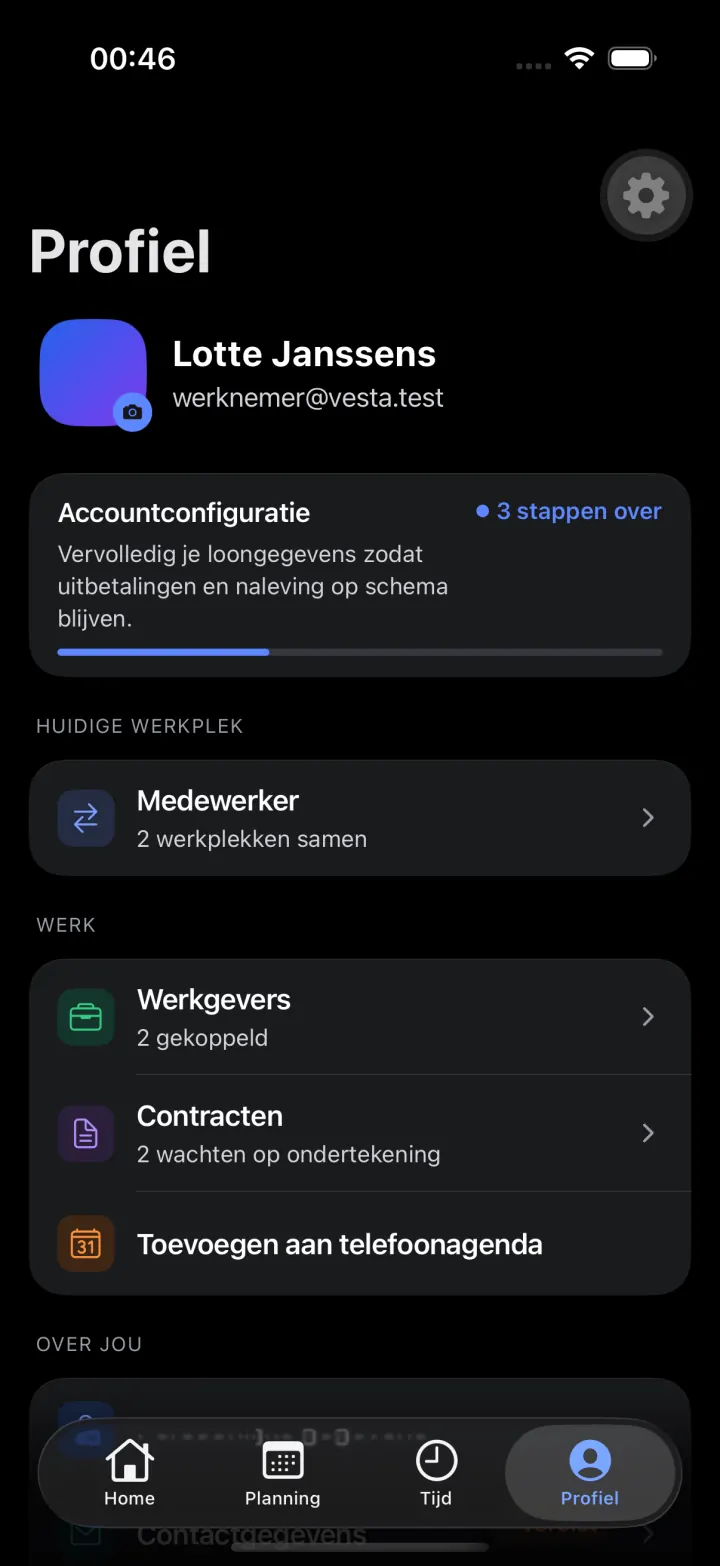
Open Profile and check your personal information. Your employer needs it for your contract and payroll.
Step 4 of 8
Sign your contract
Open Profile → Contracts, read your contract and sign it. You can also sign on the kiosk at work.
Step 5 of 8
See your shifts
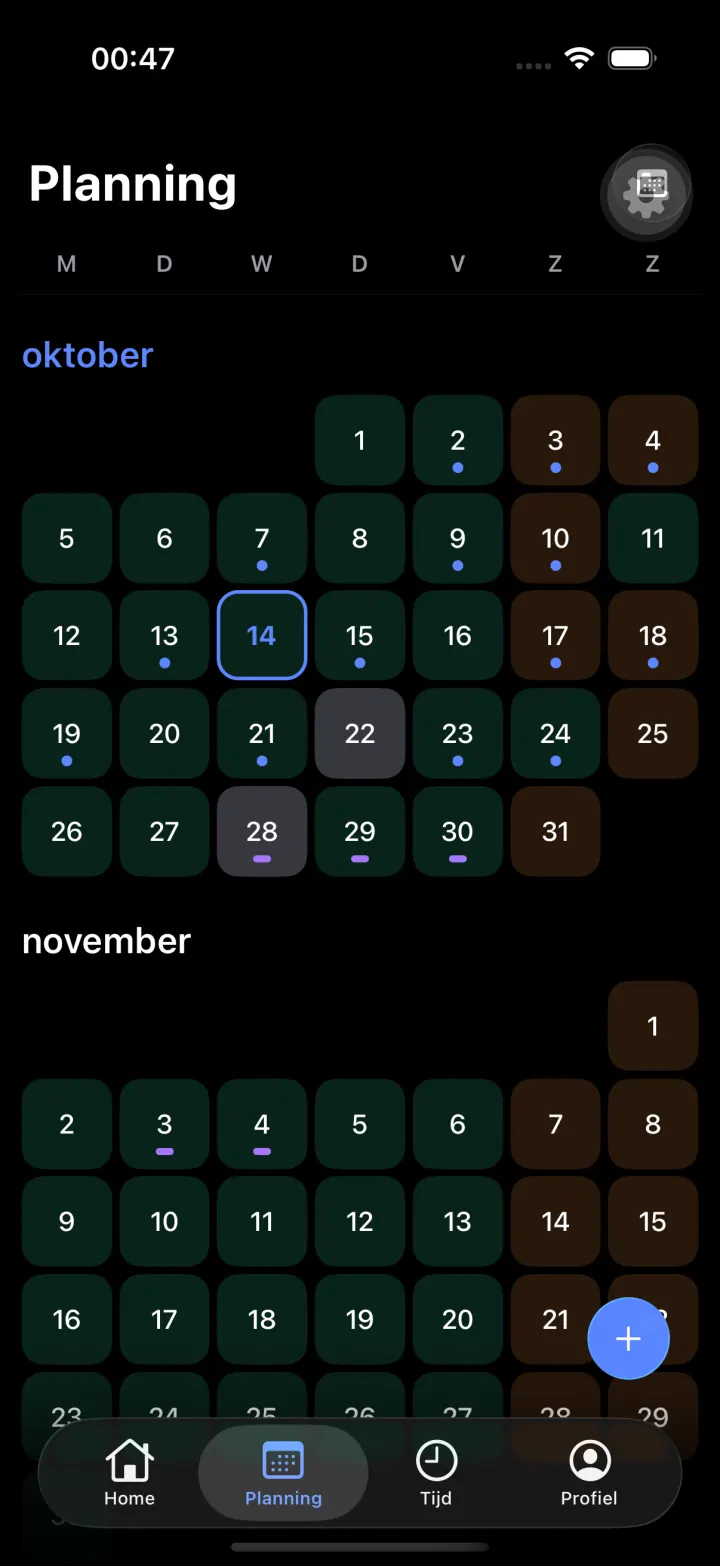
Open Planning to see when and where you work. Open a shift for its details.
- Shifts marked To confirm need your confirmation.
Step 6 of 8
Find your kiosk PIN
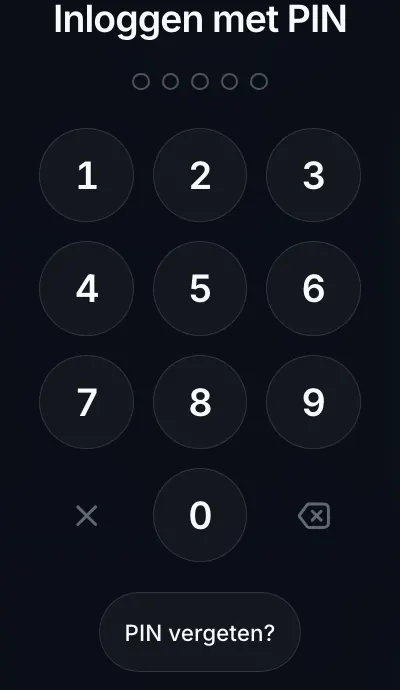
Your PIN signs you in on the kiosk at work. In the app, open Profile and choose Show PIN.
- Forgot it at work? On the kiosk, choose Login with PIN, then Forgot your PIN?
Step 7 of 8
Clock in and out
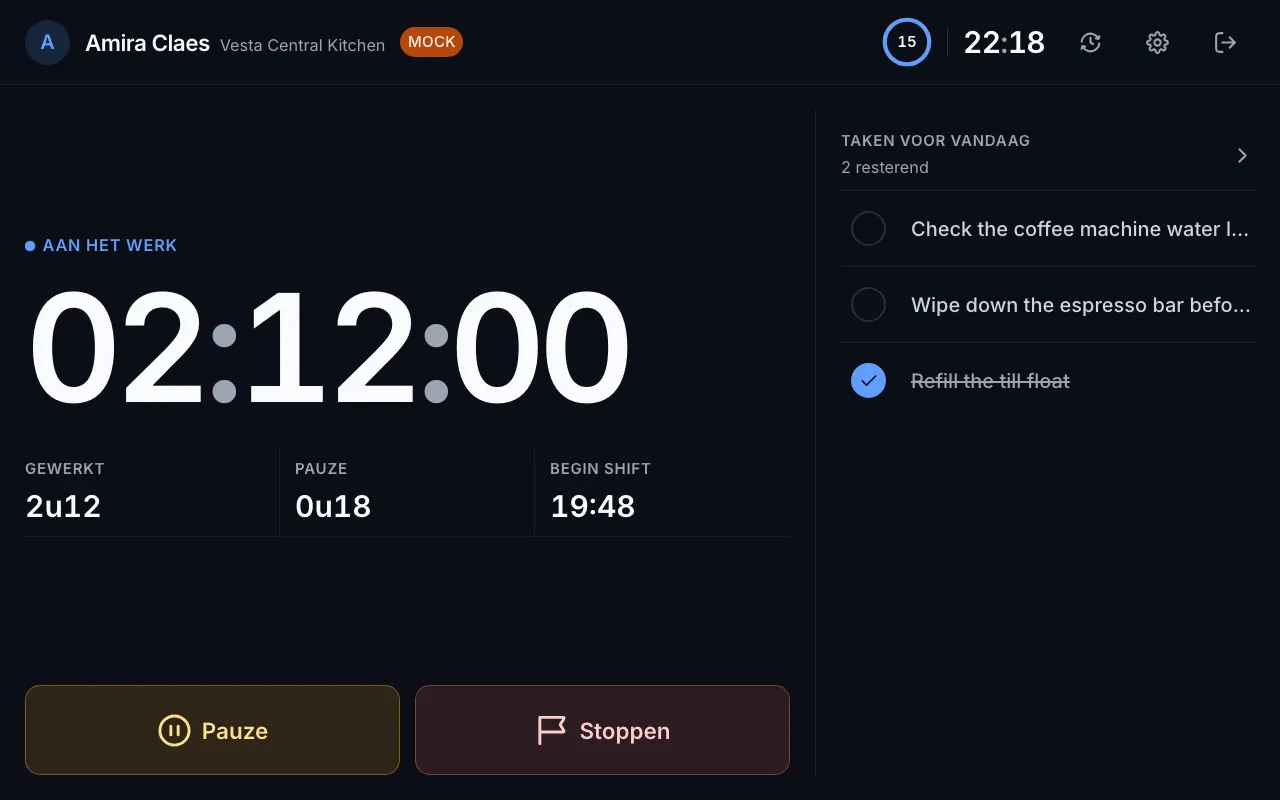
At work, scan the kiosk QR code with the app or sign in with your PIN. Start your shift, take breaks and stop when you’re done.
Step 8 of 8
Know where to ask for changes
Request time off, share your availability, swap a shift or pick up an open shift, all from Planning.
All done. You’re ready to go.
Stuck on a step? Open the linked guide, or email info@vesta.services with the step and what you see on screen.