Add your contract signature
Vesta can create a contract automatically when a student, flexi worker or extra clocks in. Add your signature once and those contracts are signed on your behalf. This step is optional.
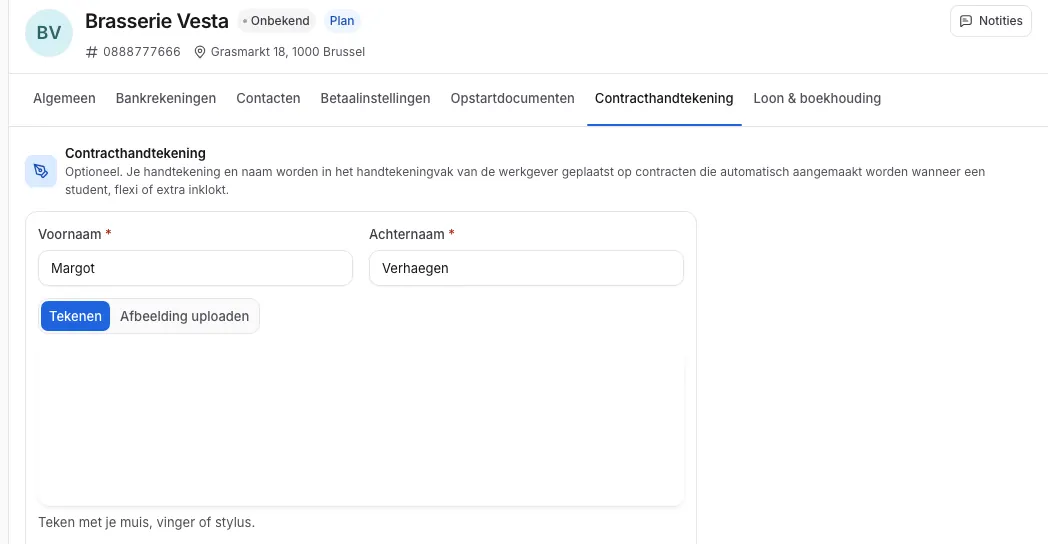
- Go to Settings → Employers and open your company.
- Open the Contract signature tab.
- Choose Draw and sign with your mouse, finger or stylus. Or choose Upload image for a PNG or JPG of up to 2 MB.
- Choose Save signature.
Common questions
Section titled “Common questions”How do I change or remove my signature?
On the same tab, choose Replace to add a new one, or Delete signature. New contracts then no longer carry it; contracts that are already signed keep it.
I can’t open the Contract signature tab
Your role does not allow it. Ask a colleague with access to Settings, or an admin, to add the signature or change your role.