Get access and check your profile
Use the invitation or sign-in instructions from your employer first. If access fails, ask them to check your invitation.
Step 1 of 2
Check your profile
Open Profile in the mobile app. Choose the personal information or preference you want to review.
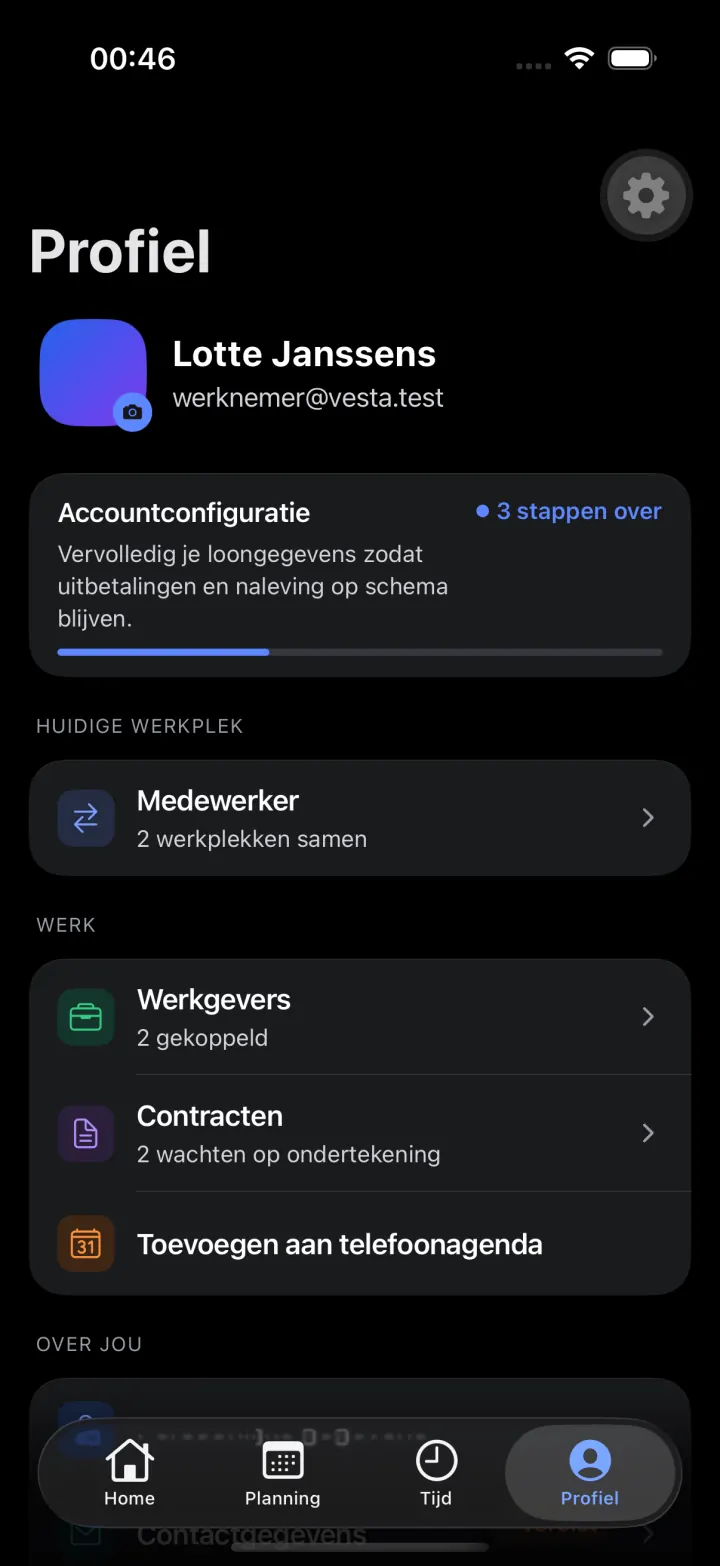
Your profile also contains your employers and contracts.
Step 2 of 2
Find your shifts
Open the Planning tab and select a day or shift to see its details.
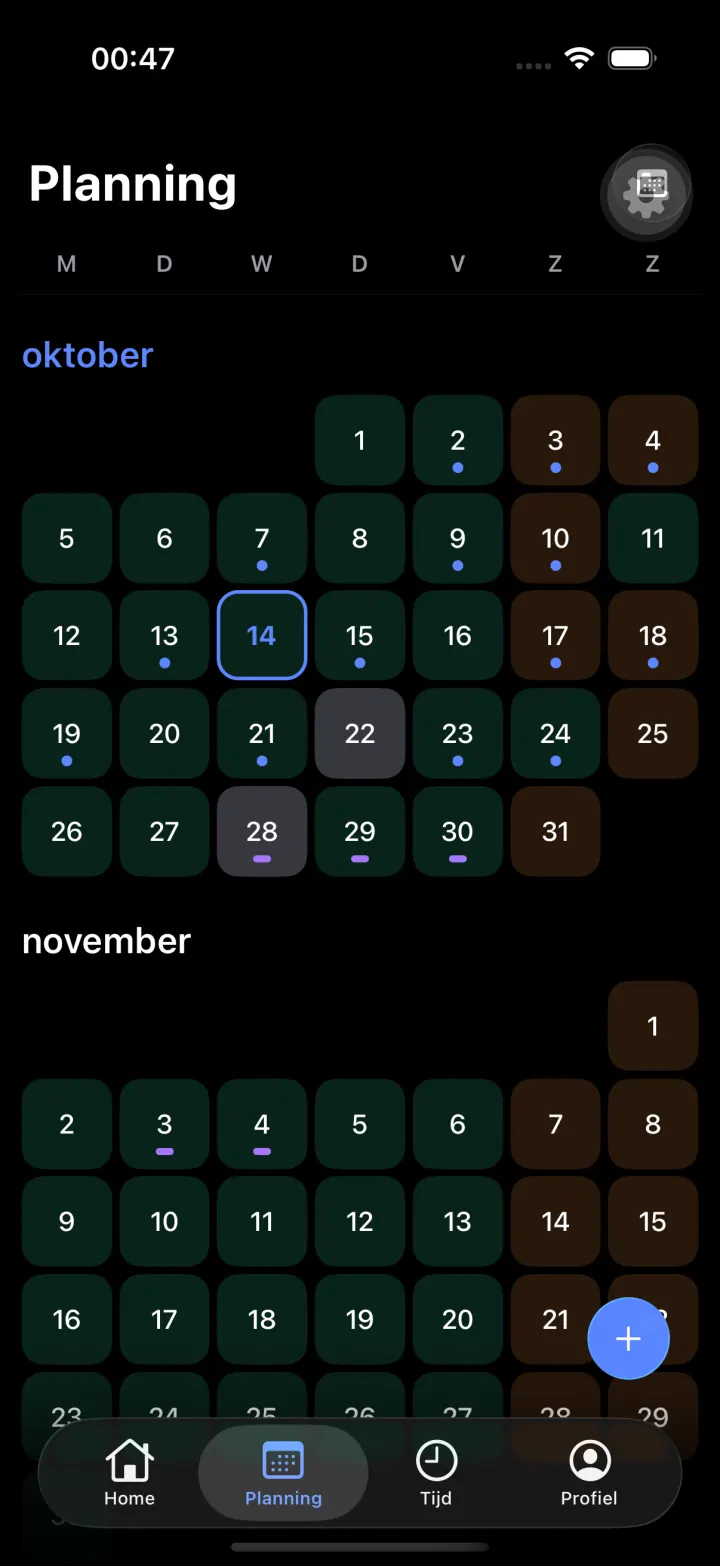
You can check the date, time and workplace. Planning is available when your employer gives you access.
Set your work preferences
Section titled “Set your work preferences”Student, flexi-jobber or extra? Tell your planner how much you want to work each week.
- In the app, open Profile → Employment → Work preferences. On the web, open Profile and choose Work preferences.
- Work for more than one employer? Pick the employer first.
- Choose Days per week or Hours per week and an amount, or No preference, and save.
Your planner sees it and prefers not to plan you more. Your availability stays separate. It applies to every week until you change it.
Don’t see Work preferences? It only shows for students, flexi-jobbers and extras whose employer plans with Vesta.
Next: clock in at work.