Clock in and out at work
Your employer must activate the kiosk first. Follow this example to sign in, check your shift and finish work.
Step 1 of 4
Choose how to sign in
Scan the QR code with the employee app, or choose PIN sign-in on the shared kiosk.
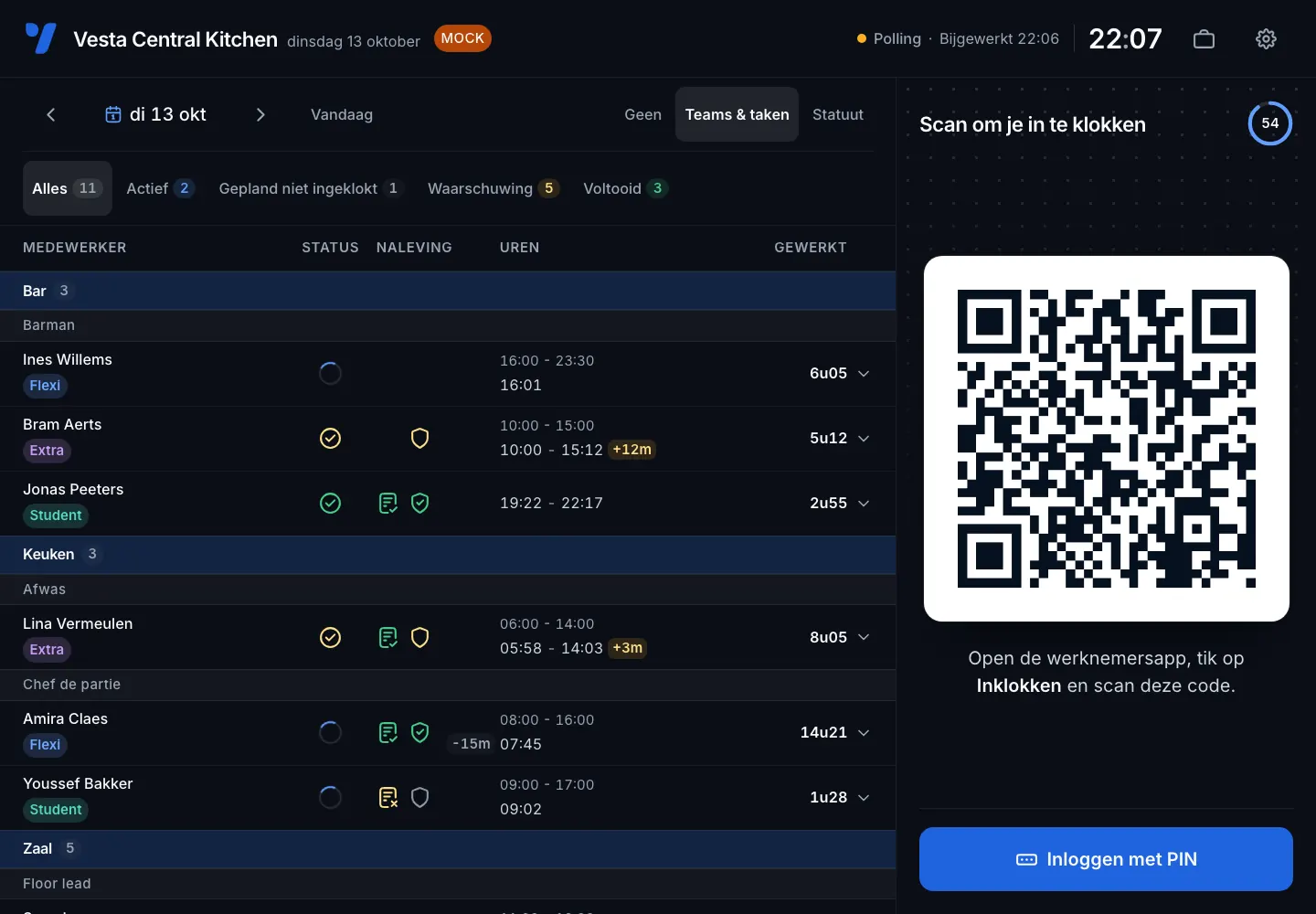
QR continues on your phone. The next steps show PIN sign-in on the kiosk.
Step 2 of 4
Enter your PIN
Enter your personal PIN. Use PIN recovery if you have forgotten it.
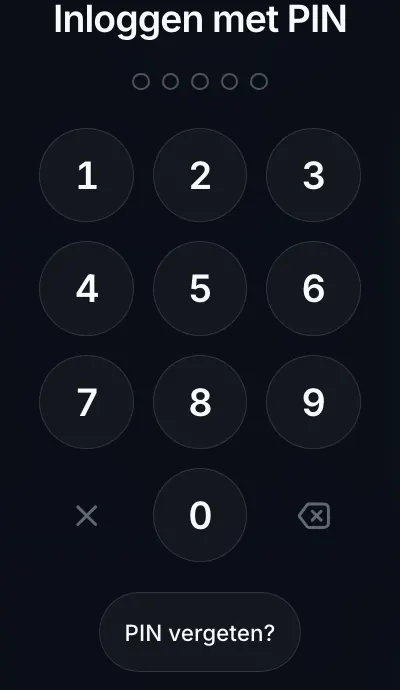
After successful sign-in, follow any required profile or contract steps.
Step 3 of 4
Check your shift
Check the status on your dashboard. This example shows a shift already in progress.
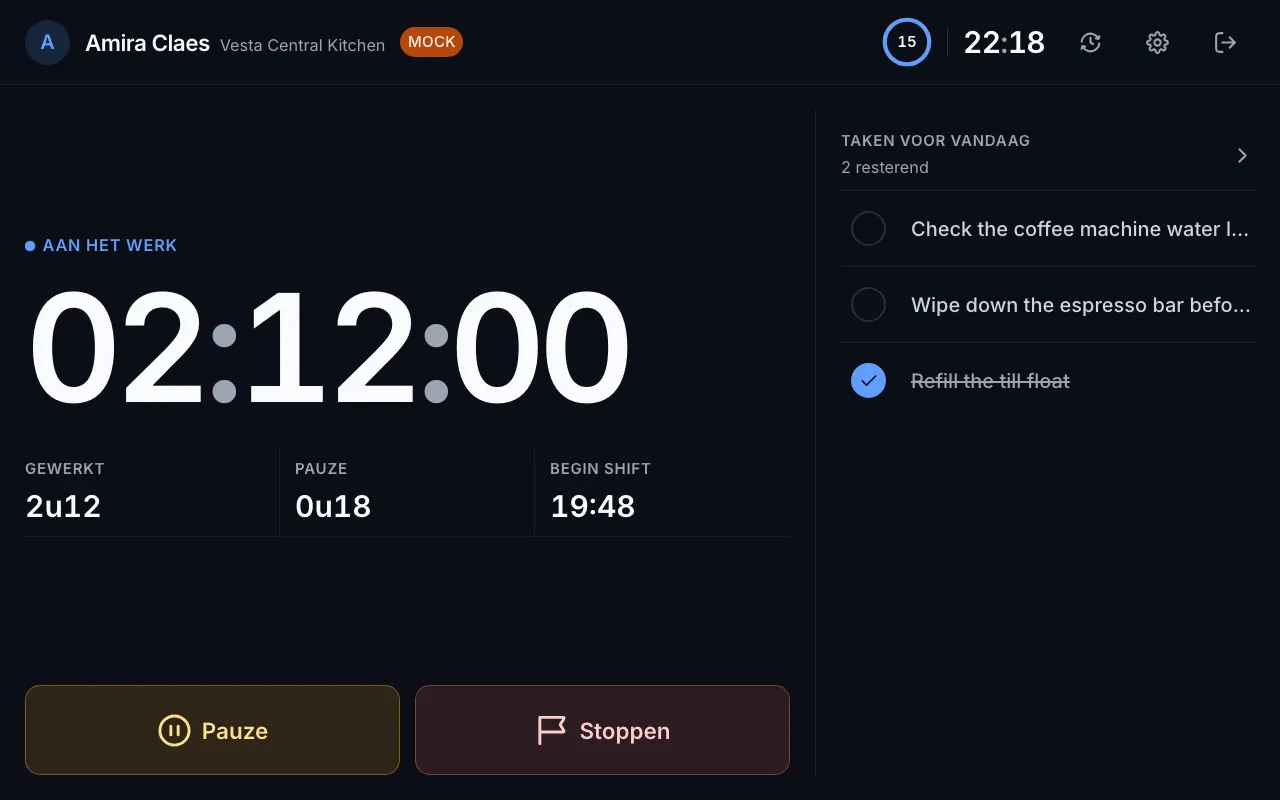
When your work is finished, choose Stop to review the end of your shift.
Step 4 of 4
Review before stopping
Check the shift summary, then confirm the end of your shift if you have finished working.
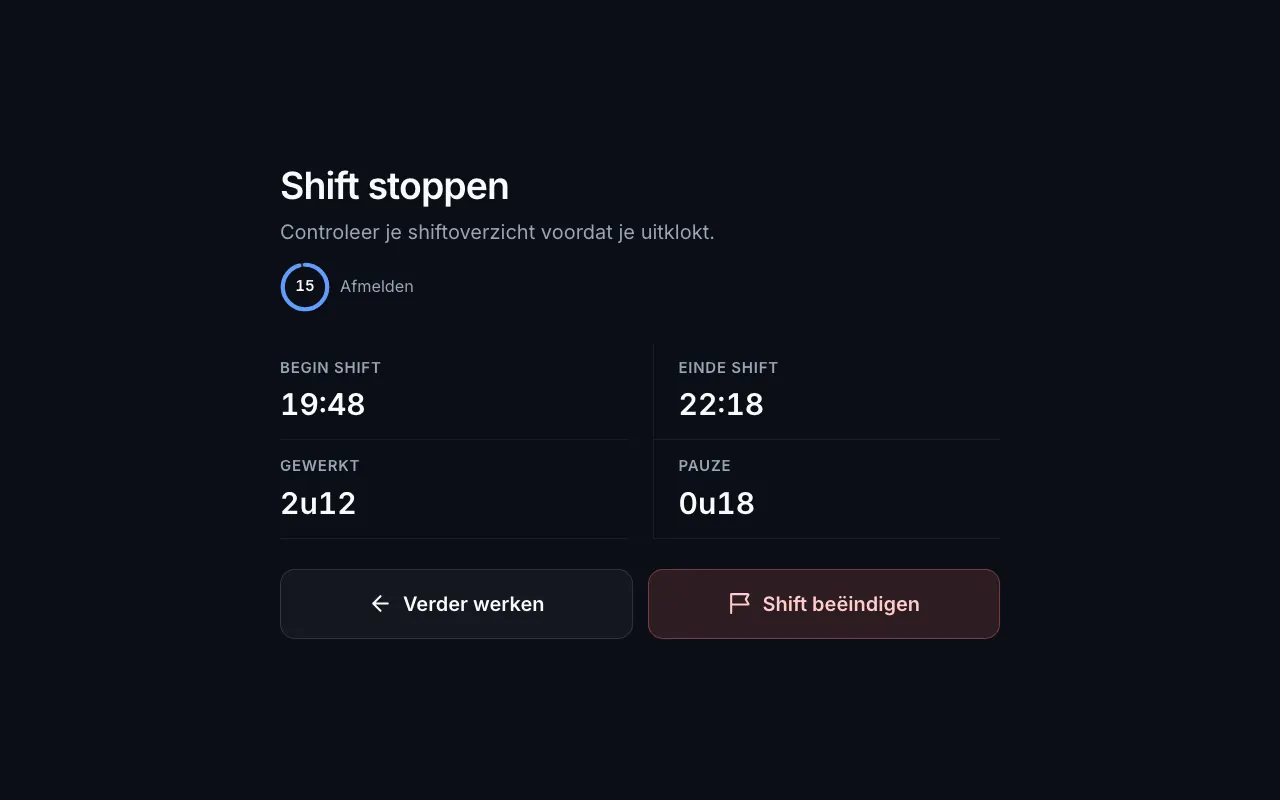
Wait for the result. If a clocking cannot be delivered, tell your manager the action and time shown.